Everything you need
Professional tools, completely free
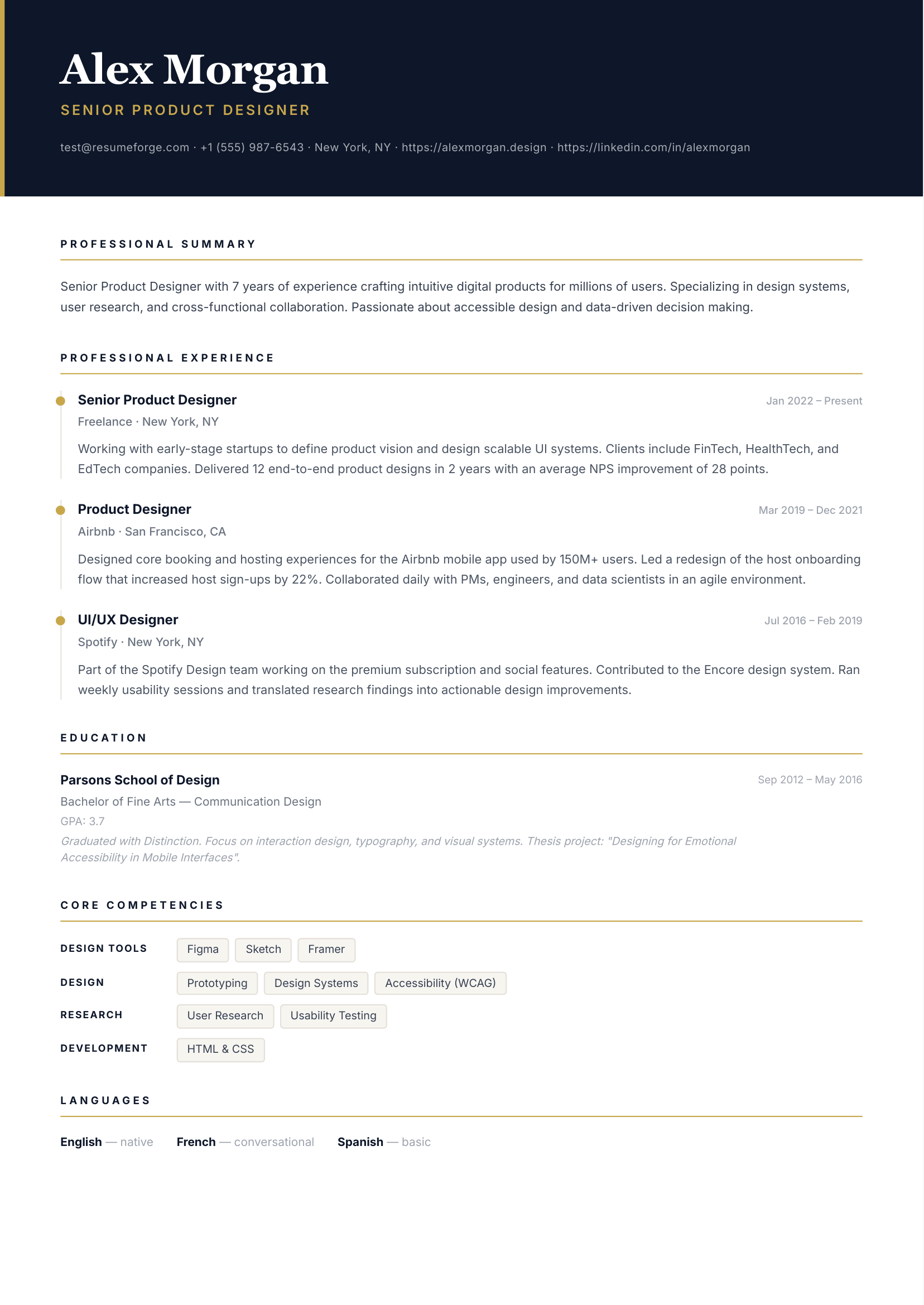
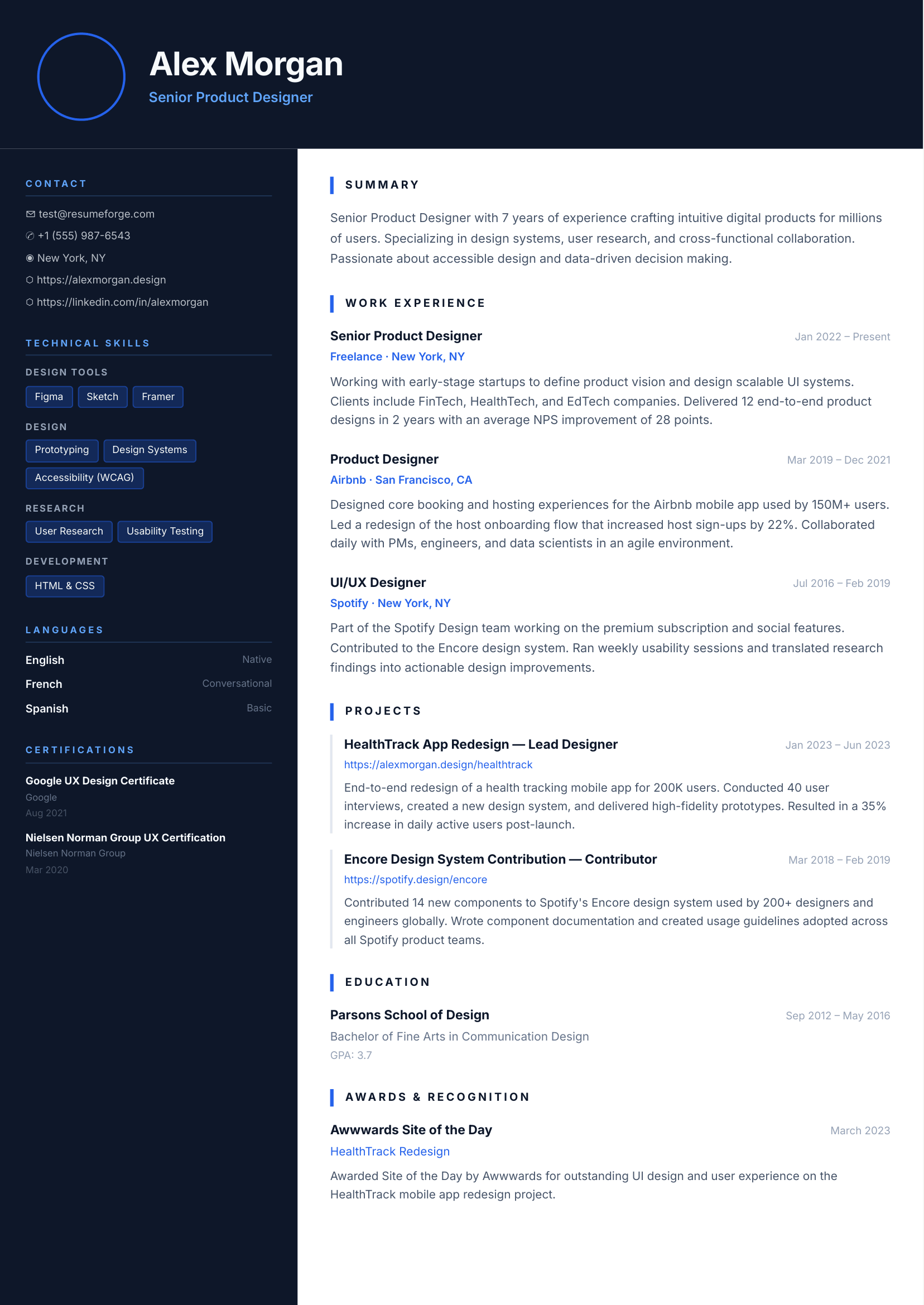
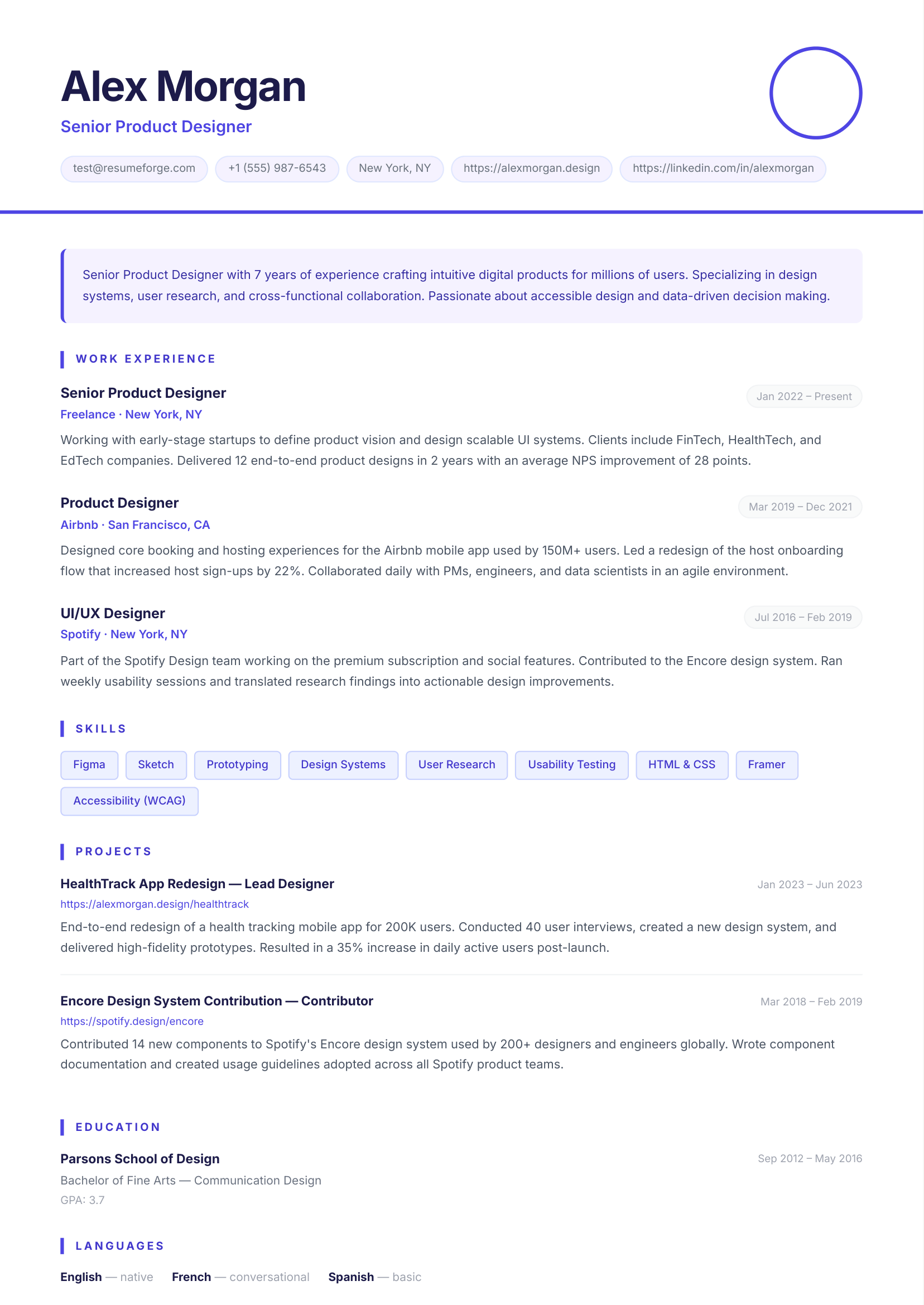
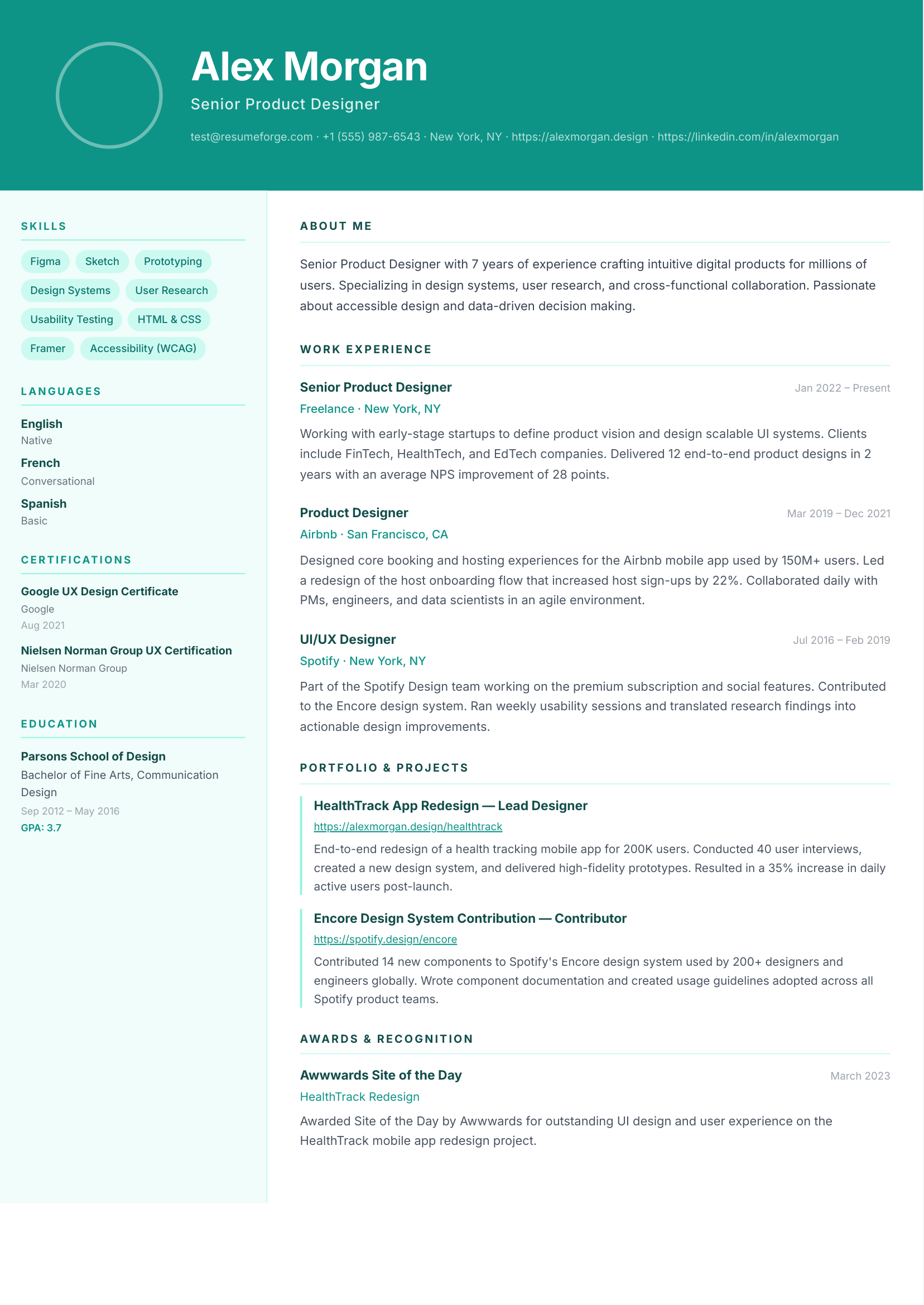
Professional Templates
30+ professionally designed templates crafted for recruiters — classic, modern, minimal, creative, and executive styles, all free.
PDF Download
Export your resume as a pixel-perfect A4 PDF, ready to send to employers.
Save & Manage
Create a free account to save multiple resumes and update them anytime.
Explore resume templates
Pick a template that fits your style — all 30+ templates are free and ATS-optimized
What hiring experts say about resumes
Widely-cited hiring best practices from recruiting research and industry surveys.
“A well-structured resume that passes ATS screening is the single most important factor in landing an interview. Most candidates are eliminated by software before a human ever reads their application.”
“The one-page resume myth is outdated. What matters is relevance, not length. Every bullet point should demonstrate measurable impact. If it doesn’t include a number or a result, cut it.”
“Free resume builders have democratized the job search. Candidates with strong, ATS-optimized resumes — regardless of budget — now have a fighting chance against candidates who can afford professional services.”
How to build a resume in 3 steps
Creating a professional resume has never been faster — no design experience needed.
Choose a resume template
Browse our library of free, ATS-optimized resume templates. Pick a style that matches your industry — classic for finance and law, modern for tech, creative for design roles.
Fill in your details
Complete each section of the resume builder: personal info, work experience, education, skills, languages, certifications, and projects. A live preview updates as you type.
Download your resume PDF
Click "Download PDF" to instantly generate a pixel-perfect A4 resume. No account required. Share directly with employers or save for later.
Get weekly resume tips
Get practical resume advice, ATS strategies, and career tips in your inbox.
Frequently asked questions
Everything you need to know about building a resume with GrowMyResume
- Is GrowMyResume really free?
- Yes. You can build and download a professional PDF resume completely free without creating an account. A free account lets you save and manage multiple resumes.
- Do I need to create an account?
- No account is required. Guests can use the full builder and download their resume. Create a free account if you want to save your resumes and access them later.
- How many templates are available?
- GrowMyResume currently offers 30+ professionally designed, ATS-optimized templates across classic, modern, minimal, creative, and executive styles — all free, with no paywall.
- Are the resume templates ATS-friendly?
- Yes. All templates are designed with ATS (Applicant Tracking System) compatibility in mind — clean layouts, standard section headings, and no tables or graphics that confuse parsing software. This helps your resume get past automated screening and reach a real recruiter.
- What is the best resume format in 2026?
- The reverse-chronological format remains the most widely accepted format in 2026. It lists your most recent experience first and is preferred by both recruiters and ATS systems. GrowMyResume templates use this format by default, with optional sections for skills, languages, certifications, and projects.
- Should my resume be one page or two pages?
- For most job seekers, one page is ideal — especially if you have less than 10 years of experience. Two pages are acceptable for senior professionals with extensive work history. GrowMyResume templates are designed to fit a clean A4 PDF that prints perfectly on one or two pages depending on your content.
- What sections should I include in my resume?
- A strong resume typically includes: Contact Information, Professional Summary, Work Experience, Education, and Skills. Optional but valuable sections include Languages, Certifications, Projects, and a custom section for anything else relevant to the role.
- How do I write a resume with no work experience?
- Focus on your education, academic projects, volunteer work, internships, freelance work, and transferable skills. Use the Projects and Custom Sections in GrowMyResume to highlight relevant work even if it was unpaid. A strong summary and skills section can compensate for limited experience.
- How do I download my resume as a PDF?
- Once you have filled in your details in the builder, click the "Download PDF" button at the top of the preview panel. Your resume is generated instantly as a pixel-perfect A4 PDF and downloaded directly to your device — no email required.
- Should I save my resume as PDF or Word?
- PDF is almost always the right choice. It preserves your formatting exactly as designed regardless of the device or software used to open it. Only use Word if a job posting specifically requires it. GrowMyResume exports clean, print-ready PDF files.
- How long should a resume be?
- Most resumes should be one page for candidates with under 10 years of experience, and no more than two pages for senior professionals. Recruiters typically spend 6–10 seconds on an initial scan, so concise and well-structured is always better than long and dense.
- What is the difference between a resume and a CV?
- A resume is a concise 1–2 page document tailored for a specific job application, common in the US and Canada. A CV (Curriculum Vitae) is a comprehensive document covering your full academic and professional history, used mainly in Europe, the Middle East, and academia. GrowMyResume is optimized for professional resumes.
- Can I add a profile picture to my resume?
- Yes. The builder lets you upload a profile photo which is shown directly on supported templates. Guests store it locally; registered users upload it to the server.
- Can I switch templates without losing my data?
- Absolutely. Use the "Change template" button inside the builder to swap templates at any time — all your entered information is preserved.
- Is my resume data private and secure?
- Yes. Guest data is stored only in your browser's local storage and never sent to our servers unless you choose to save it. Registered users' data is stored securely and never shared with third parties. You can delete your account and all associated data at any time.
- Can I use GrowMyResume on mobile?
- The resume builder is optimized for desktop and tablet use, as building a resume requires a comfortable amount of screen space to see both the form and the live preview. The templates gallery and all other pages work fully on mobile.